
The wait is over: the Bézier drawing tool has been completely redesigned to give you a smoother, more precise and more intuitive experience. Draw,...
CDESIGN PLM what’s new ?
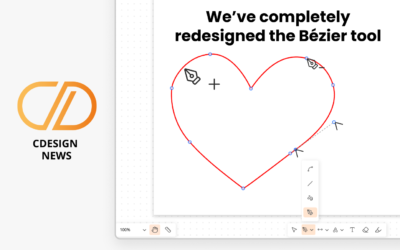
We’ve completely redesigned the Bézier tool
read more
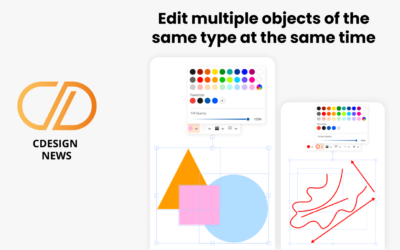
What’s new in the drawing tool
Edit multiple objects of the same type at the same time You asked for it and you've been eagerly waiting: multi-object editing is here!This feature...
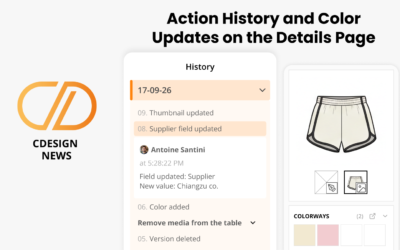
Action History and Color Updates on the Details Page
Action history This highly anticipated feature now lets you view the history of actions performed on a product: you can see what was done, by whom,...

Your new Home Page and Statistics page
A new, clearer and more intuitive Home Page! Your Home Page has been redesigned to offer you simpler and more efficient navigation every day. Choose...
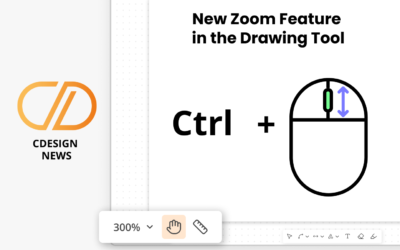
New Zoom Feature in the Drawing Tool
New Zoom Feature in the Drawing ToolStandard Mouse with Scroll WheelZoom In and Zoom Out Press Ctrl and use your mouse scroll wheel. Scroll up to...
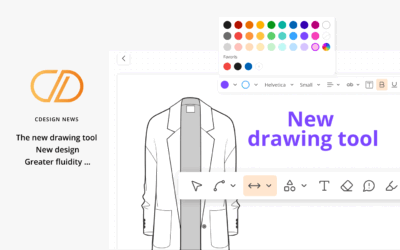
A brand-new drawing tool
Discover the new version of CDESIGN drawing tool, redesigned for an even smoother and more intuitive experience. A larger, more ergonomic interface....
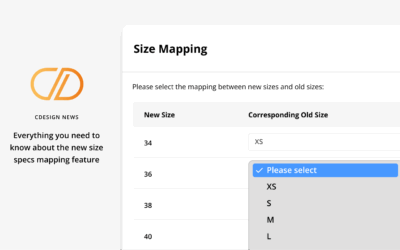
What’s new in your measurement charts
Update size sets in a measurement chart using simplified actions. Add or remove sizes more easily. Automatically detect inconsistencies between the...

Your new AI assistant
Discover how your new AI assistant can turn your ideas into tangible designs.Currently available on the Details page and the Colorways page....