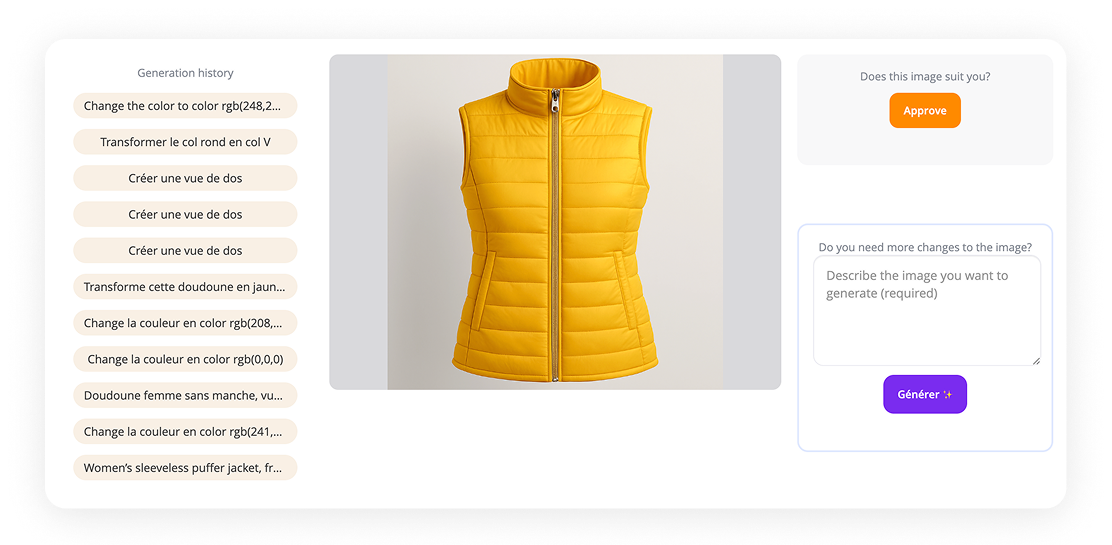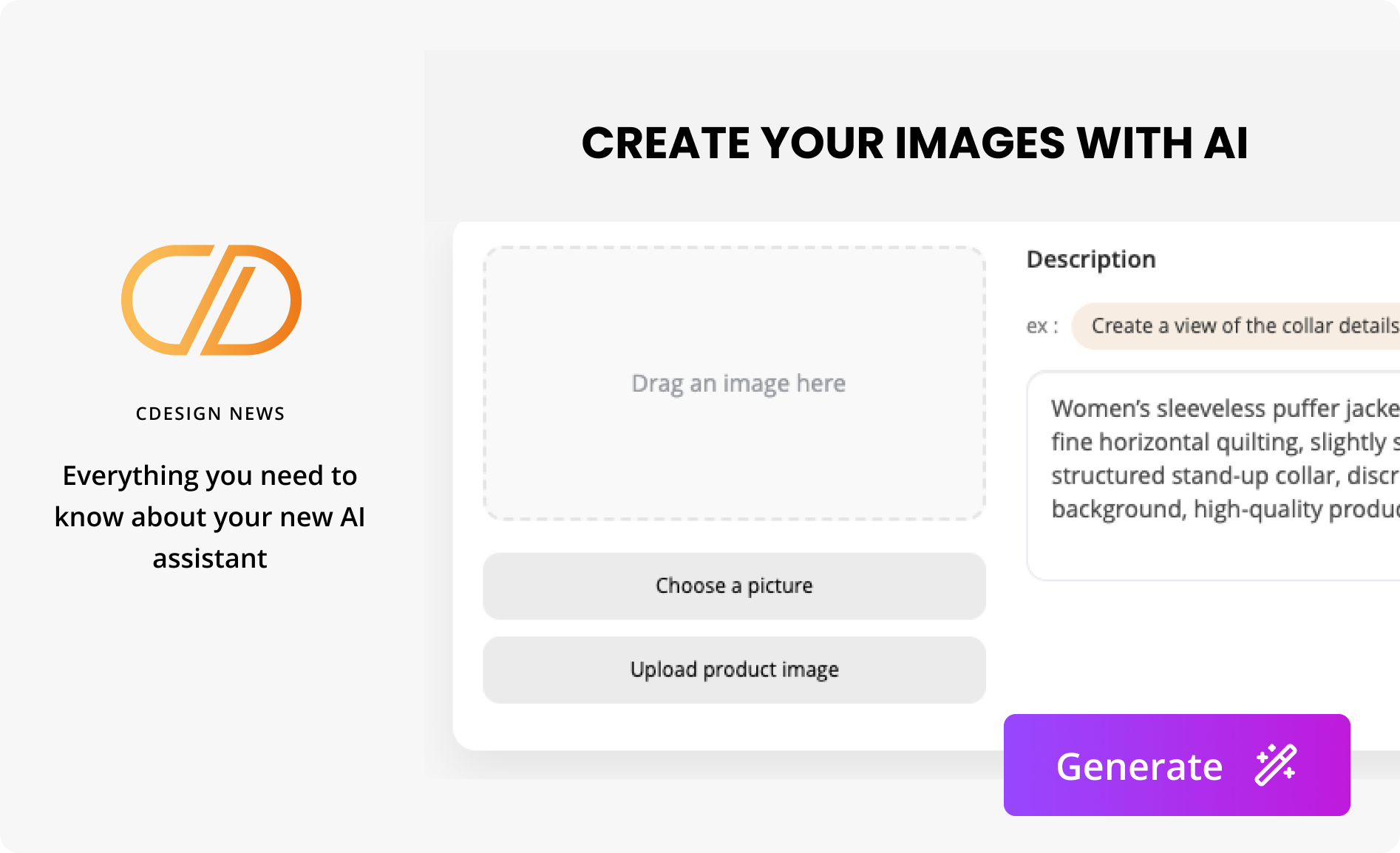
Discover how your new AI assistant can turn your ideas into tangible designs.
Currently available on the Details page and the Colorways page.
- Describe your concept, inspirations, and preferences in detail: it instantly generates an image of your model.
- You can also use it to quickly evolve an existing design: change colors from your palette, add a hood, embroidery, or text, and explore multiple variations in just a few clicks.
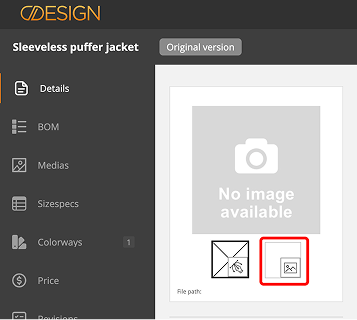
On the Details page : Create your model’s image.

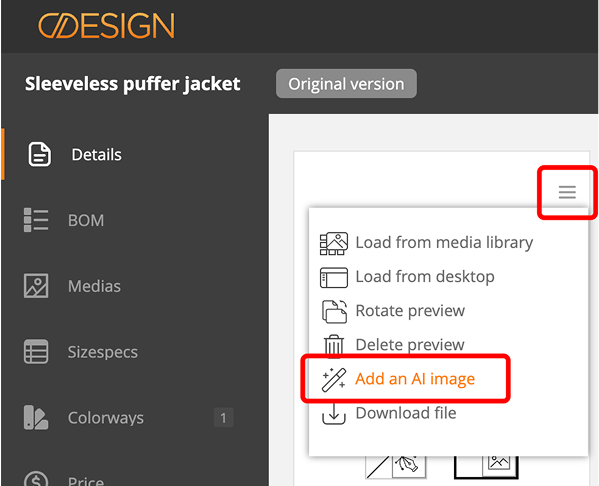
Below the main image area, click on the second square, which corresponds to the custom image.

Open the menu and click on Add an AI image.
You can choose from all the options below. They work independently of each other.
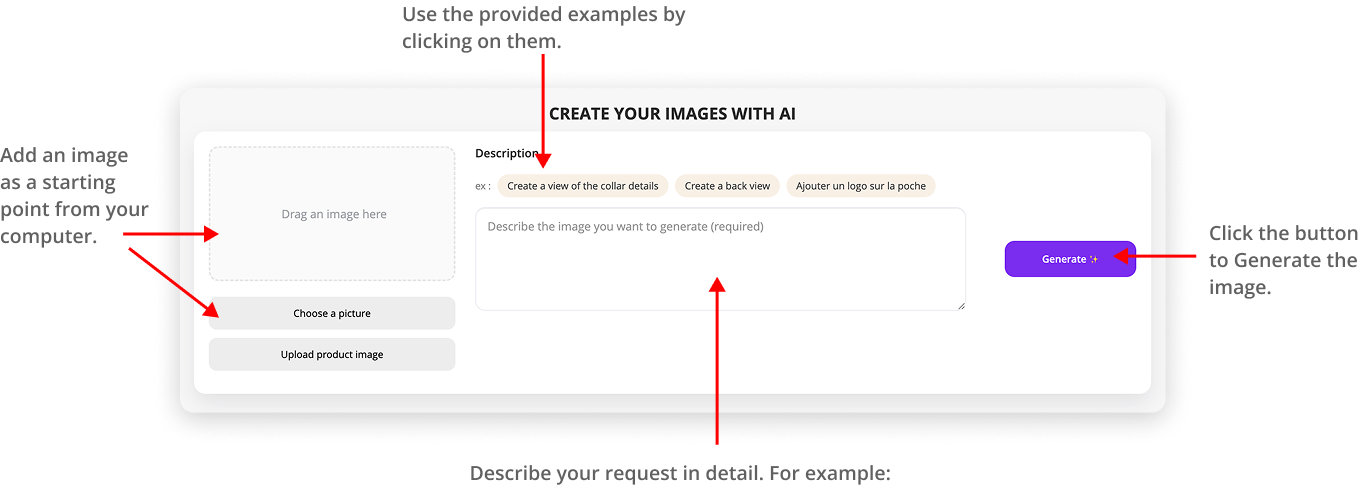
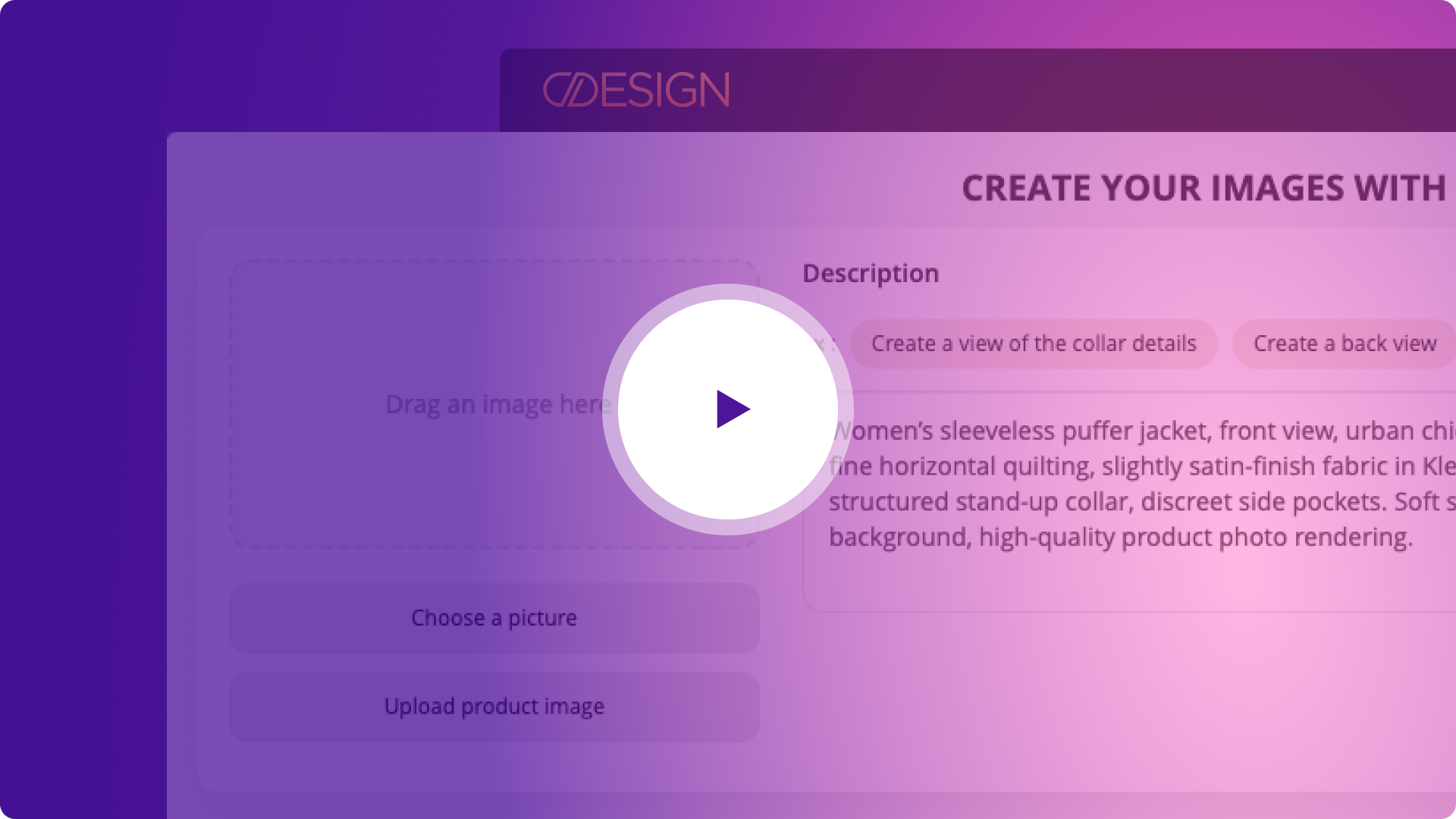
“Women’s sleeveless puffer jacket, front view, urban chic sporty style. Slim, modern fit, fine horizontal quilting, slightly satin-finish fabric in Klein Blue, silver front zipper, structured stand-up collar, discreet side pockets. Soft studio lighting, light gray neutral background, high-quality product photo rendering.”
And there you go! Your model has been created.
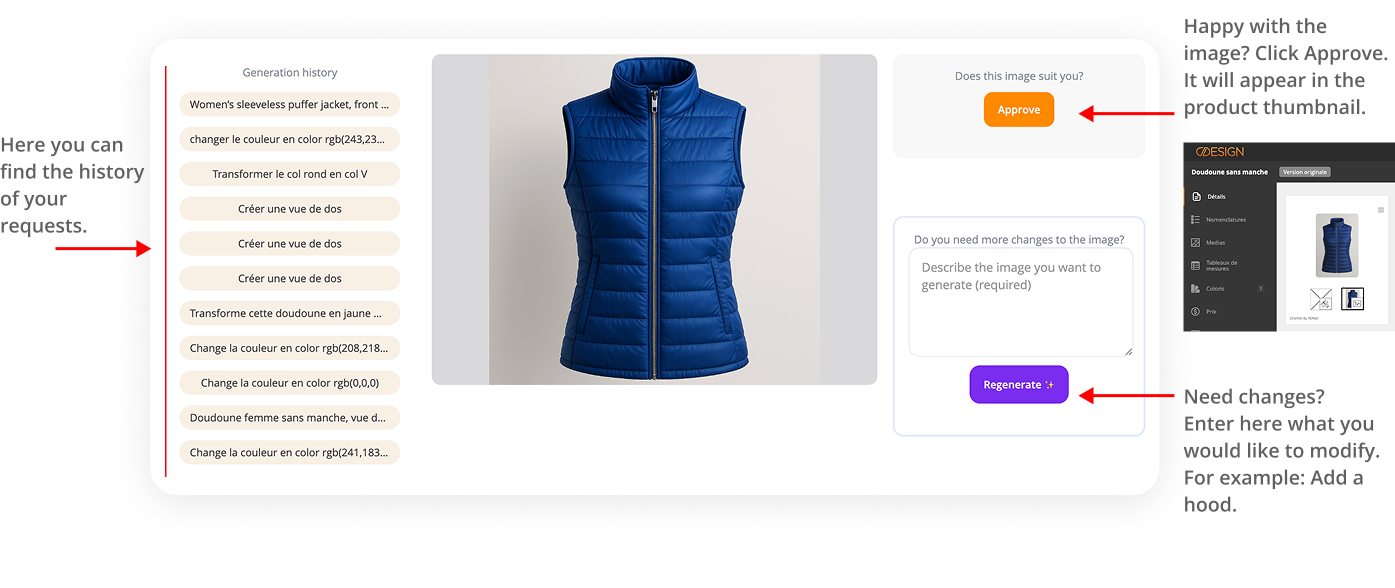
On the Colorways page
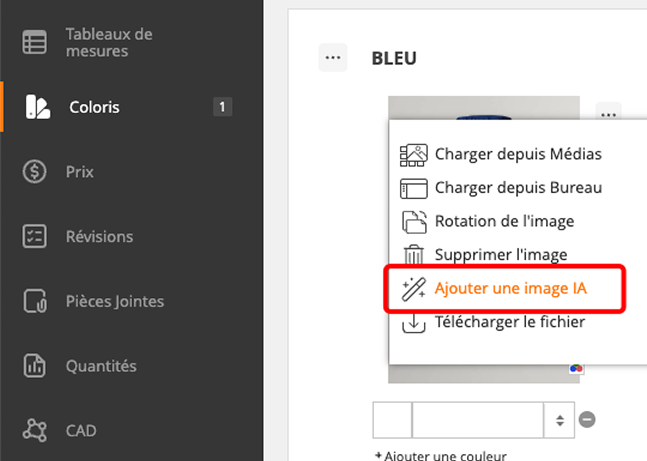
On the Colorways page, open the image menu.
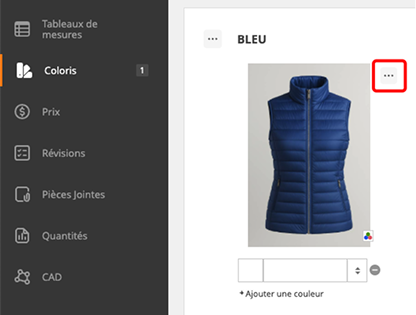
Then click Add an AI image.
Tips
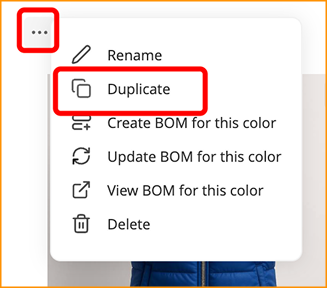
💡 Tip: Consider duplicating your color first, so you can make your changes on a new variant.
You can choose from all the options below. They work independently of each other.
Your new color has been updated.