
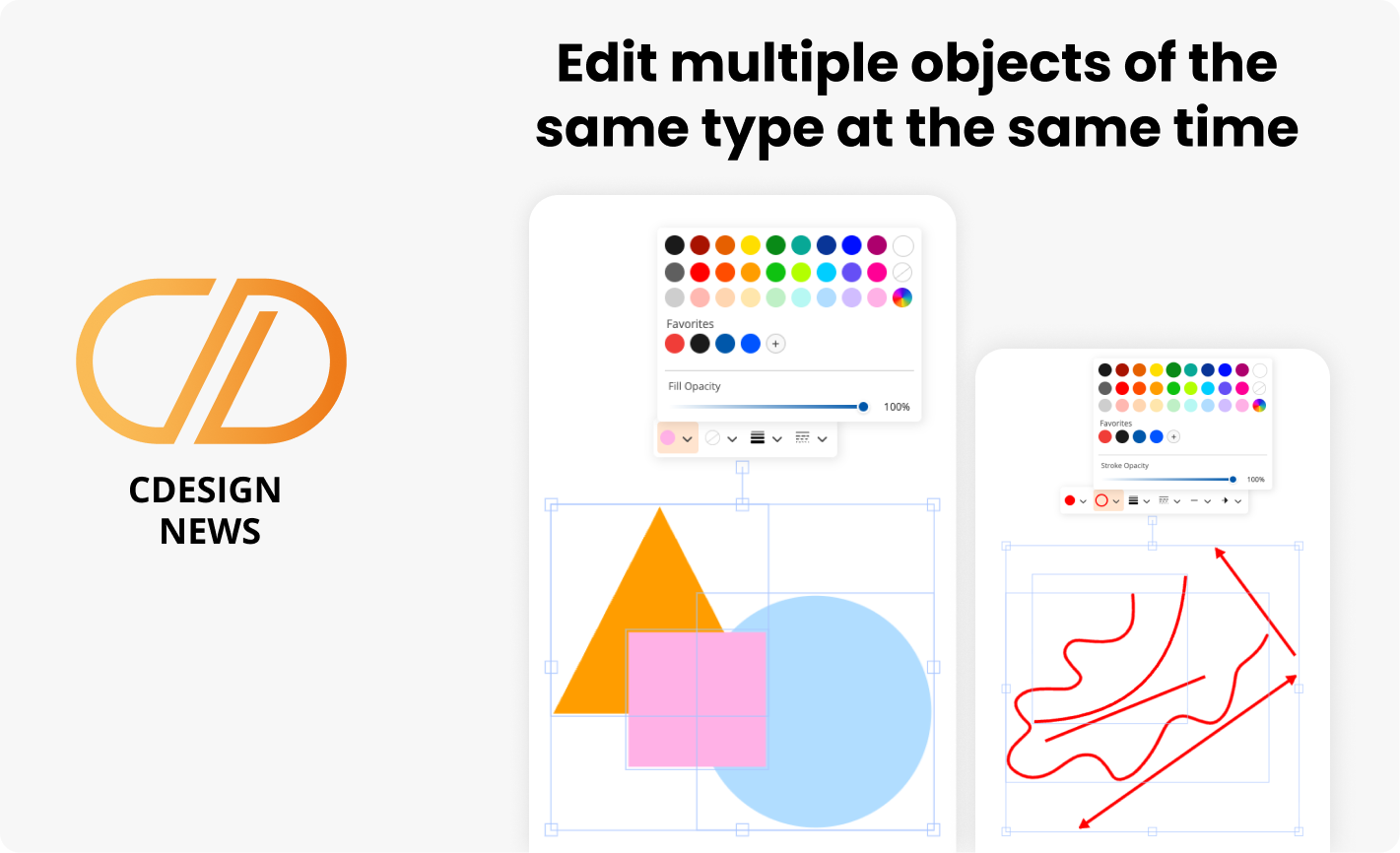
Edit multiple objects of the same type at the same time
You asked for it and you’ve been eagerly waiting: multi-object editing is here!
This feature now allows you to simultaneously edit multiple objects of the same type: shapes, text, lines, and arrows. Note: capped arrows are currently handled separately.
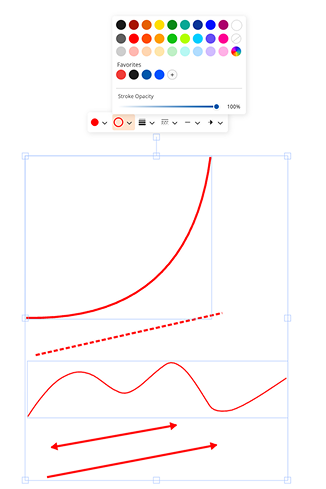
Lines and arrows
- Simple curve (2 points)
- Straight line
- Freehand
- Simple arrow
- Double arrow
- Bézier*
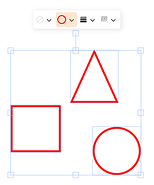
Shapes:
- Triangle
- Circle
- Rectangle
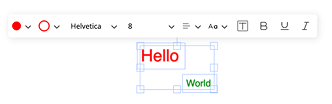
Texts:
- Plain
- Framed
⚠️ Warning
Using multi-edit with Bézier lines is possible, but it is not yet fully optimized and may cause some anomalies. These issues will be fixed during the complete overhaul of the Bézier tool, planned for the coming weeks. Capped arrows are also not yet supported in multi-edit and will be handled separately.Simple 2-point curve – You can add arrowheads
We have added the ability to add arrowheads to simple 2-point curves.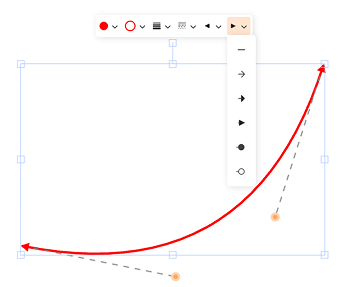
Remembering the last tool used in the menu
From now on, the last tool used is remembered in the menu. You can reuse it by clicking directly on it, without having to go back through the menu to select it.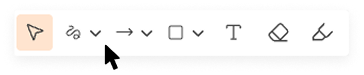
Keyboard shortcuts : Return to selection (Escape or V)
Regardless of the tool being used, you can quickly return to the Selection tool by pressing Escape or the V key. (The V key does not return to selection when you are using the Text tool.)Improved object selection
We have improved the selection behavior to make it more explicit. When an object is selected, it remains active even if other objects are placed in front of it. You can therefore click and drag the selected object directly, without the risk of selecting or moving another object on top of it.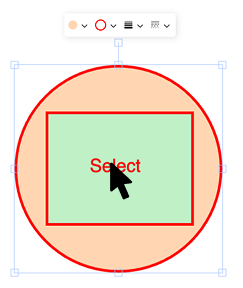
Bugg Fixes
- La transparence, qui ne fonctionnait pas correctement sur certains types de lignes, a été corrigée.
- Certains problèmes d’affichage des couleurs dans les textes ont également été corrigés.